
Cast and crew
Browse a show's cast and crew and follow people from the credits.
The Cast & Crew section of a show page shows up to twelve people in a row. Each card has their photo, name, and role: the character they play, or their job behind the camera.
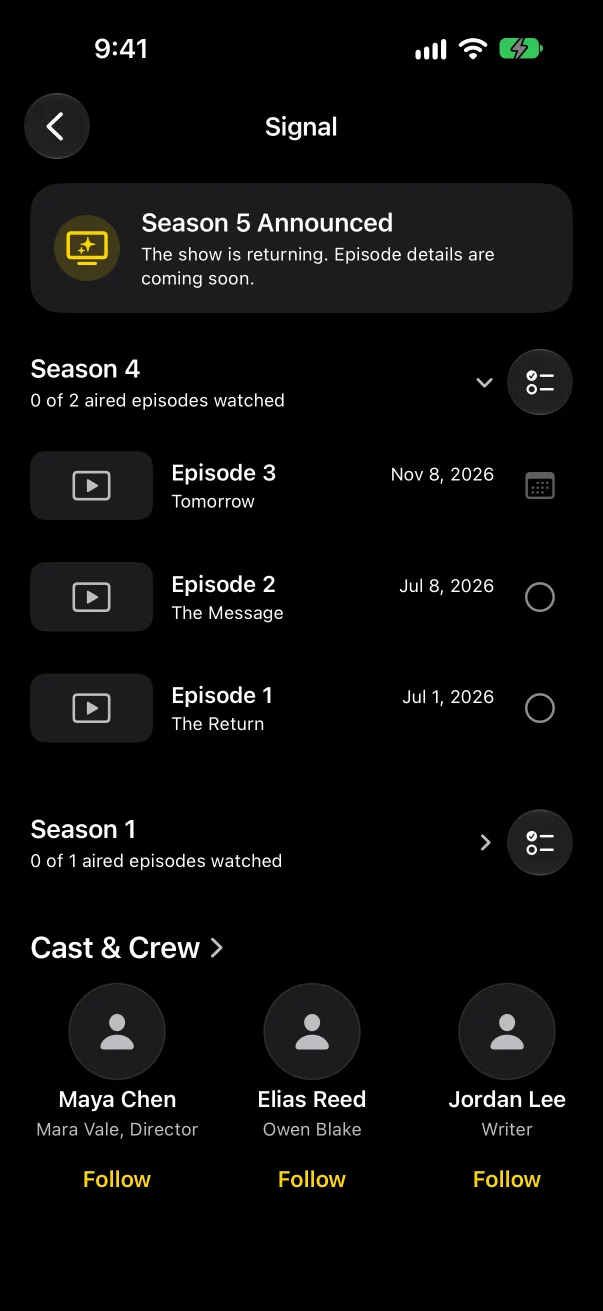
Tap a person to open their profile. Tap Follow under their card to follow them without leaving the show.
The full list
Tap the Cast & Crew › heading for everyone, split into Cast and Crew.

Long lists load 50 people at a time; tap Load More Cast or Load More Crew at the bottom to see more.
Following from the credits
- Follow turns into Following straight away.
- To unfollow, tap Following, then Unfollow.
Your choice stays in sync everywhere the person appears: the show page, the full credits, and their profile. Following people from the credits is available once you're signed in.