
Following people
Follow actors, writers, and directors to keep their work close by.
Follow the people whose work you love, and Shows keeps track of them for you: their new shows appear in People Updates, the shows they're connected to appear in Discover, and you can choose to see their guest appearances in Up Next.
Find someone
- Search: open Add Show, switch to People, and type a name.
- From a show: tap anyone in a show's Cast & Crew.
- From your Library: switch the Library to People.
A person's profile
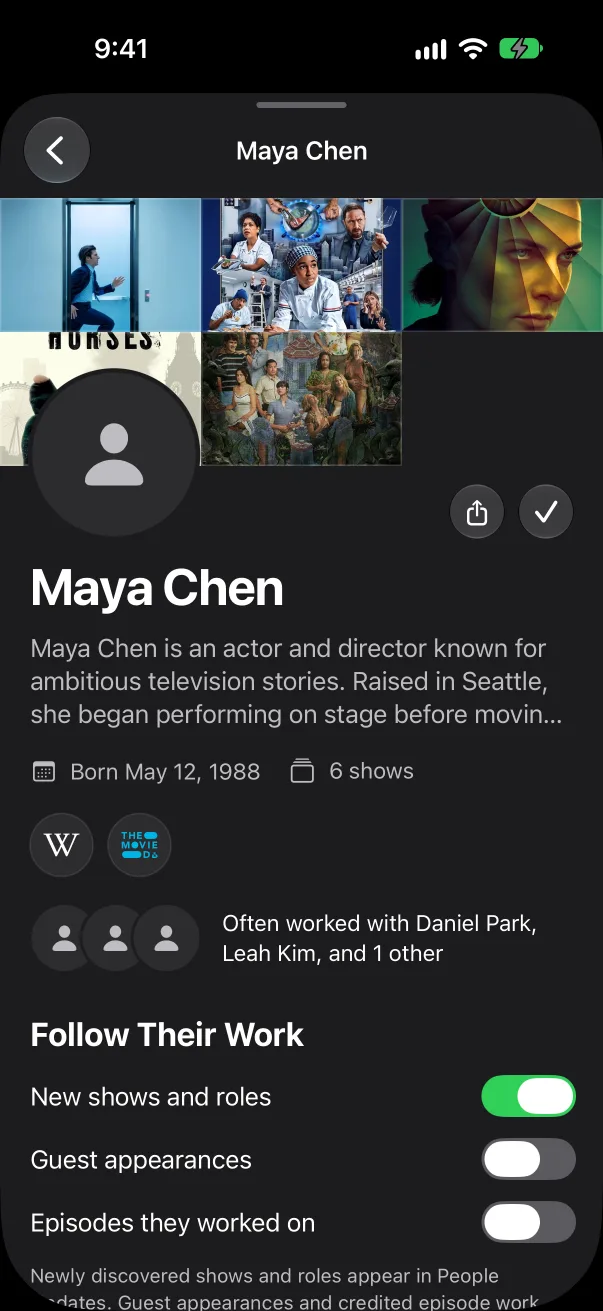
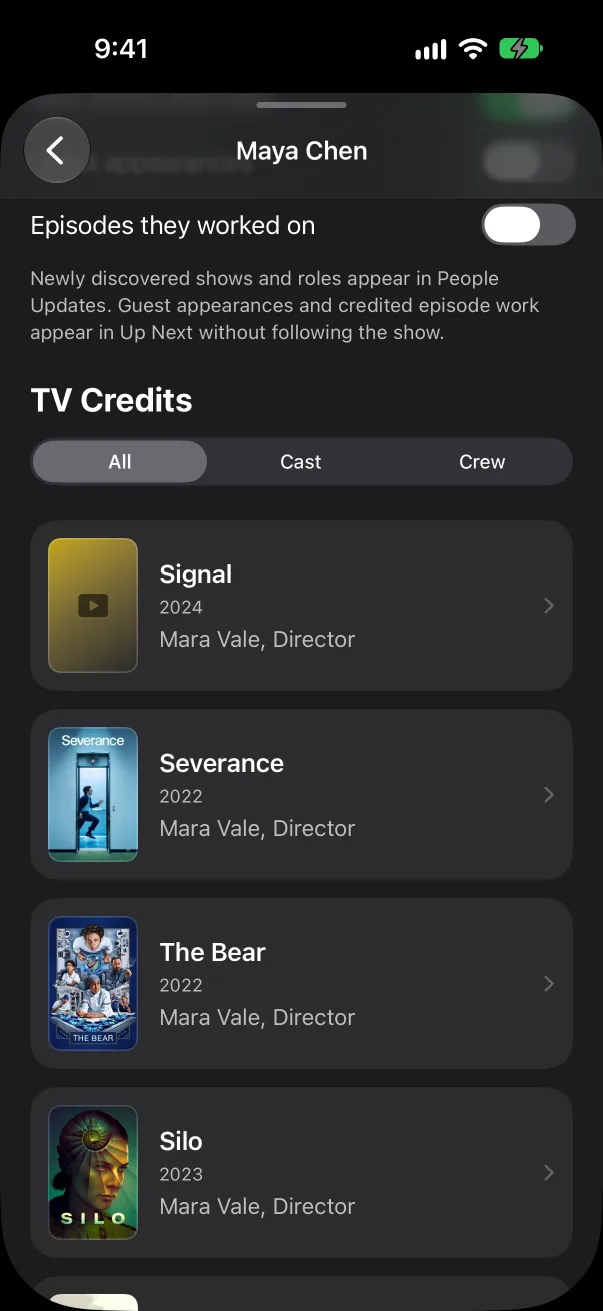
A profile includes:
- a grid of their latest shows: tap one to open it;
- their portrait, Follow and Share buttons, and name;
- a short biography: tap it to read the whole thing;
- their birthday and a count of their TV credits;
- links to IMDb, Wikipedia, and TMDB when available;
- Often worked with: people they frequently collaborate with;
- Follow Their Work choices, once you follow them;
- TV Credits, filtered by All, Cast, or Crew. Tap Load more credits for older work.
Profiles you've opened before load instantly, even offline.
Follow or unfollow
Tap the yellow Follow button on a profile.
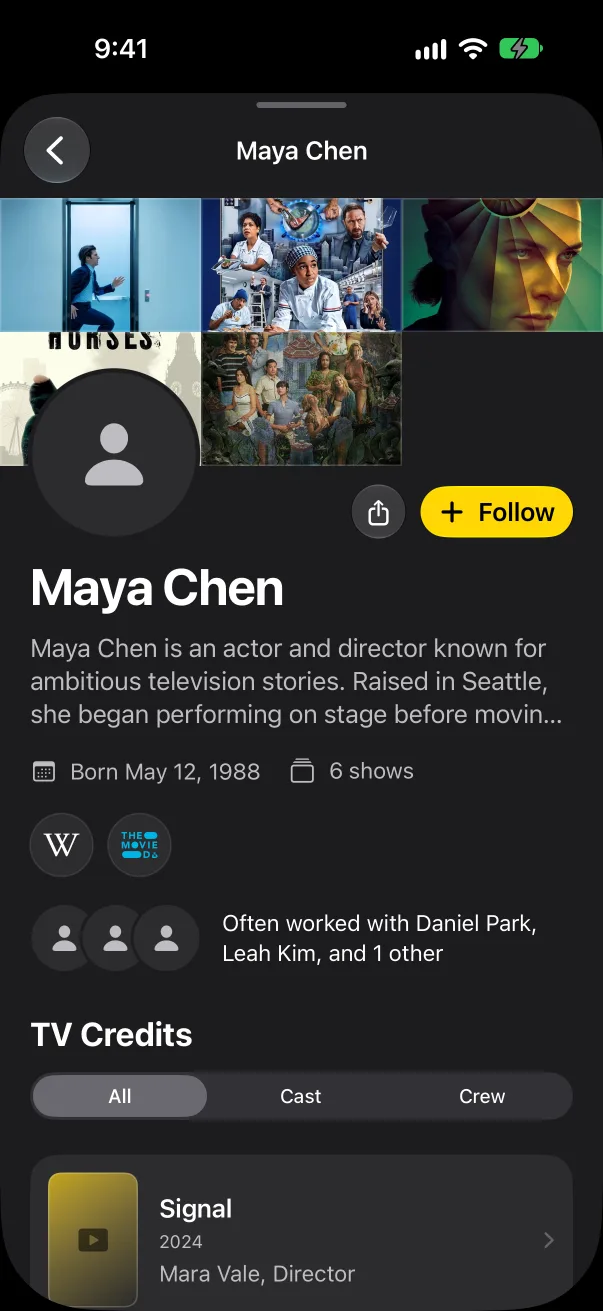
The button becomes a checkmark. To unfollow, tap the checkmark and confirm Unfollow. You can also unfollow from Library → People by touching and holding someone.
You can follow people offline; Shows syncs the change later.
What following someone does
As soon as you follow someone:
- New shows and roles they're credited on start appearing in People Updates. This is on by default.
- Shows connected to them appear in From People You Follow in Discover.
You can also choose to see their guest appearances and the episodes they worked on in Up Next. See Follow their work.